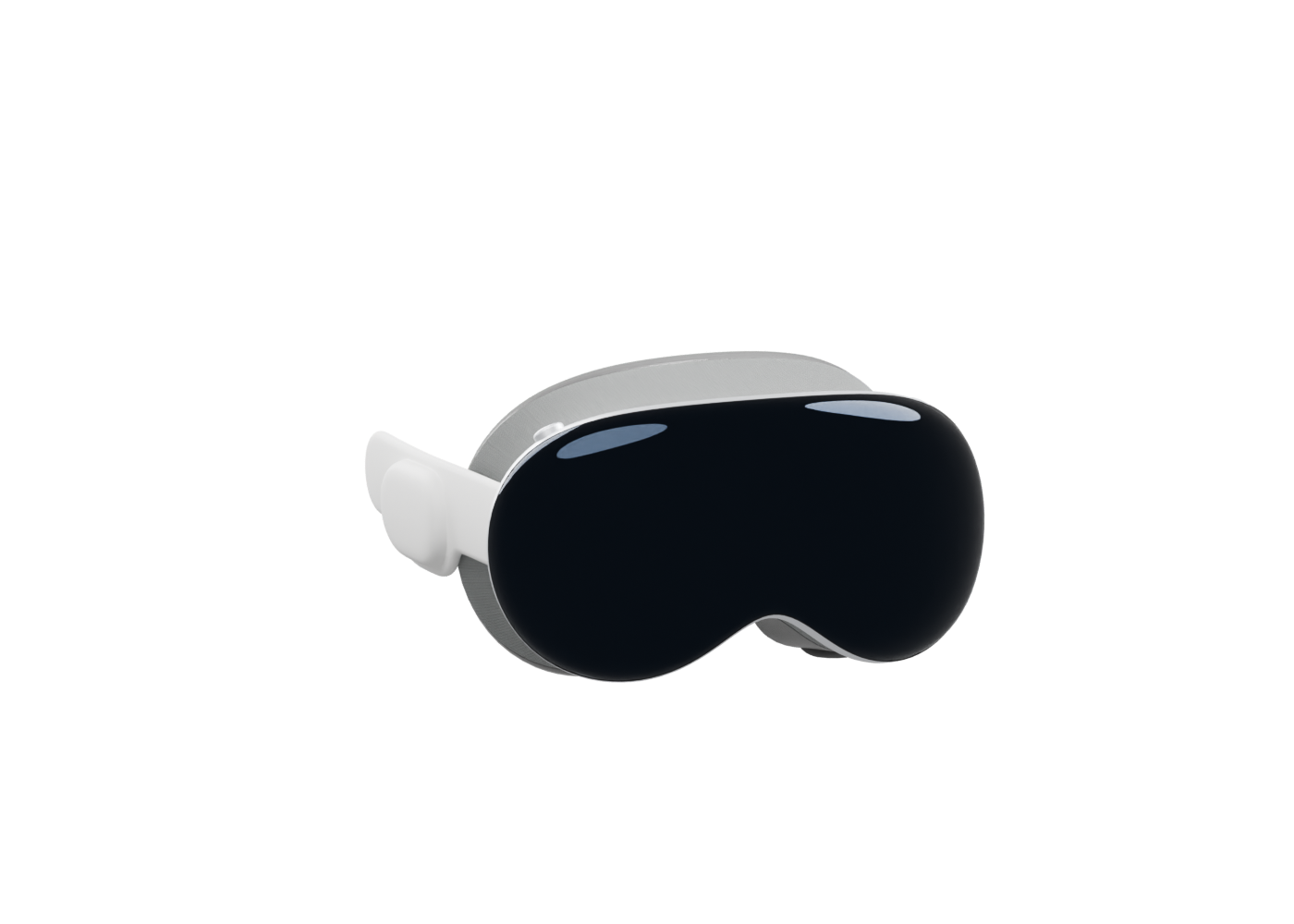
How to play MKV files on Apple Vision Pro
Open MKV video in Pro-Fi on Apple Vision Pro, check the video codec, and choose the right format for flat, SBS 180°, or 360° playback.
Pro-Fi Blog
Video formats, subtitles, and viewing modes on your Apple devices.
Open MKV video in Pro-Fi on Apple Vision Pro, check the video codec, and choose the right format for flat, SBS 180°, or 360° playback.
Play MKV video on an Apple silicon Mac with Pro-Fi. Open a file, choose embedded or external subtitles, adjust timing, and use fullscreen controls.